There’s a growing conversation in SEO circles: “Do you even need an SEO plugin?” With Google’s algorithms getting smarter and AI-generated content everywhere, some argue the plugin is optional.
Here’s the reality: the plugin won’t directly boost your rankings, but it will determine how efficiently you optimise each post, what features you have at your fingertips, and whether you’re manually editing meta tags or clicking a button.
That’s why comparing Rank Math vs Yoast SEO vs All in One SEO still matters, not because one will magically rank you higher, but because each one saves you time in different ways. Rank Math leads with features in its free plan. Yoast focuses on content guidance. AIOSEO targets local and e-commerce sites.
For most new blogs, Rank Math (Free) gives you the most without paying. But your situation might call for a different choice. Ahead, in this blog, we will dive into each of these plugins so you can choose a reliable option for your website.
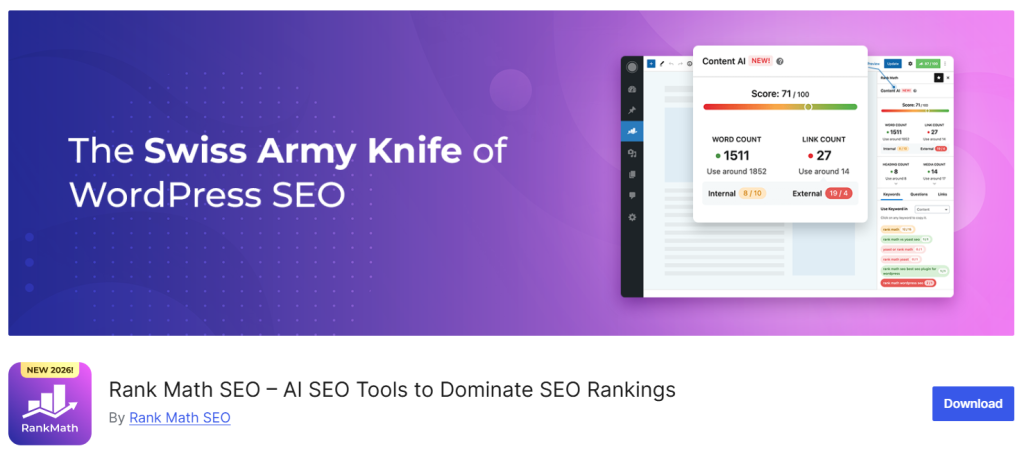
Rank Math is a WordPress SEO plugin that checks your content, title, and meta description as you write and suggests improvements right inside the WordPress editor. Instead of optimising your page after publishing, SEO becomes part of the writing process itself.
It shows a real-time SEO score, highlights missing keywords, and suggests internal links as you go. Unlike most SEO plugins, its free version lets you optimise for multiple focus keywords on a single page, not just one, which matters if you’re targeting more than one search term per post. It also runs a separate readability check alongside the SEO score, so you’re not just ranking well; you’re writing something people can actually read.
Behind the scenes, it automates the technical side: schema markup, XML sitemaps, social meta tags for how your page looks when shared, and a 404/redirection manager so broken links don’t quietly hurt your rankings. It can also connect directly to Google Search Console, pulling your actual ranking data into the WordPress dashboard instead of making you check a separate tool. It makes SEO feel like a natural part of creating content, not a separate chore.
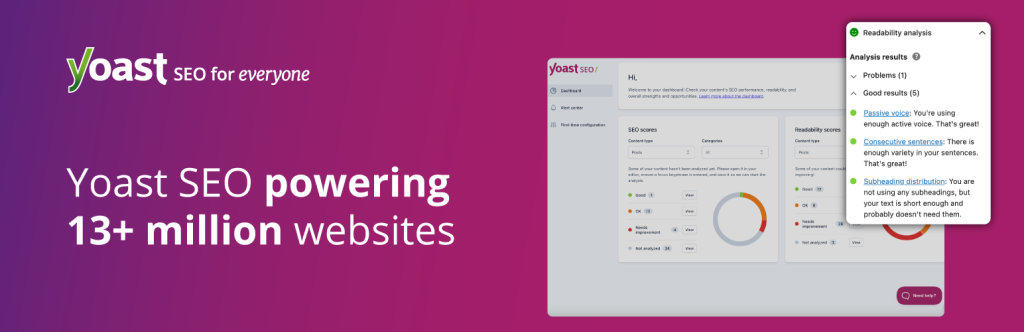
Yoast SEO is one of the most widely used WordPress SEO plugins, installed on over 10 million websites, and it’s often the default choice people reach for simply because it’s been around the longest and set the standard everyone else is now compared against. Like Rank Math, it checks your content, title, and meta description as you write and suggests improvements right inside the editor, so SEO becomes part of writing instead of something you fix after publishing.
It shows a real-time SEO score and a separate readability score, and readability is where Yoast has always leaned harder, breaking down sentence length, passive voice, transition words, and paragraph structure in more detail than most competitors.
It also automates the technical side: schema markup, XML sitemaps, and social meta tags for how your page looks when shared. The free version focuses on a single keyword per page, so if you’re targeting multiple search terms on one piece of content, that’s where Rank Math’s multi-keyword support pulls ahead. Altogether, Yoast’s strength is less about flashy features and more about being the reliable, long-standing standard most WordPress sites are already built around.
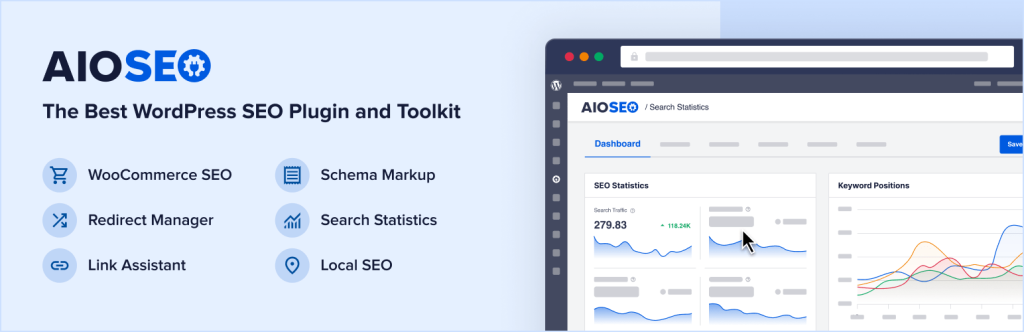
All in One SEO (AIOSEO) is the third major player in WordPress SEO, sitting behind Yoast’s 10M+ installs and Rank Math’s roughly 2M, with about 3 million active installations of its own. It’s actually the oldest of the three, launched back in 2007, though a 2020 acquisition and rebuild means the plugin you install today shares little beyond the name with its early years. Like the other two, it checks your content, title, and meta description as you write and scores it through a system called TruSEO, so optimising happens inside the writing process rather than after.
Where AIOSEO actually wins is ease of setup and agency-friendly pricing. Its Smart Setup Wizard is widely considered the most beginner-friendly onboarding of the three, walking you through site type, social profiles, and basic SEO preferences in a few minutes, and it can even import your settings from Yoast or Rank Math so you’re not starting from zero.
Its paid plans are priced by feature tier rather than per site, so a single plan can cover up to 100 websites, which makes it a natural pick for agencies or freelancers managing multiple client sites, something Yoast in particular charges extra for. It also ships an AI Keyword Report that tracks whether your content is showing up in AI answers from tools like ChatGPT and Gemini, a feature neither Yoast nor Rank Math currently offers.
| Feature | Rank Math | Yoast SEO | All in One SEO (AIOSEO) |
| Free Version Limits | 5 focus keywords, schema, redirects, 404 monitor, GSC integration | 1 focus keyword, basic schema, no redirects, no GSC | 1 focus keyword, basic schema, TruSEO score, no redirects |
| Pricing (Pro/Premium) | From $59/year (~?4,900/year) | From $99/year (~?8,200/year) | From $49.60/year (~?4,100/year) |
| Focus Keywords (Free) | 5 per post | 1 per post | 1 per post |
| Schema Types | Advanced (Article, FAQ, HowTo, Video, Local, Product, etc.) | Basic (Article, Organisation) | Basic + Local (Pro: FAQ, HowTo, Video, Course, etc.) |
| Site Speed / Bloat | Lightweight, minimal impact | Slightly heavier (readability engine) | Moderate (many modules can add bloat) |
| Redirect Manager | ? Yes (Free) | ? No (Pro only) | ? No (Pro only) |
| 404 Monitor | ? Yes (Free) | ? No (Pro only) | ? No (Pro only) |
| Google Search Console Integration | ? Yes (Free) | ? No (Pro only) | ? No (Pro only) |
| WooCommerce Support | ? Basic (Free), Advanced (Pro) | ? Basic (Free), Advanced (Pro) | ? Advanced (Pro: product schema, category optimisation) |
| Local SEO | ? Basic (Free), Multi-location (Pro) | ? No (Pro only) | ? Advanced (Pro: Google Business Profile, local maps) |
| AI Features | Content AI (credit-based, Pro) | AI title/description (Pro) | AI audits, content generator (credit-based, Pro) |
| Install Base | 2+ million active installs | 10+ million active installs | 3+ million active installs |
| Best For | Bloggers who want features without paying | Beginners, readability focus | Local business, WooCommerce, AI audits |
Rank Math vs Yoast: If you are still searching for the best free WordPress SEO plugin, it genuinely depends on what stage your site is at, not a flat winner. If you are just starting and want a plugin that gets out of your way, Yoast SEO’s simplicity and detailed readability guidance make it the easier plugin to learn on, even though you will hit its paywall sooner than the other two.
If your priority is squeezing the most functionality out of a free plan, Rank Math is the clear answer. Its free version alone covers multi-keyword optimisation, advanced schema, redirects, and WooCommerce SEO, features that Yoast and AIOSEO both keep behind a paid upgrade. For anyone specifically searching for the best wordpress seo plugin free, Rank Math could be a great option.
Once you are managing more than one site, the calculation changes again. AIOSEO’s plans scale by feature tier rather than per site, covering up to 100 websites on a single plan, which makes it a natural fit for agencies and freelancers. Rank Math Pro competes here too, offering unlimited sites on one subscription, so it is worth comparing the two directly before an agency commits to either.
New bloggers and first-time WordPress users: Yoast SEO, for its readability guidance and long track record.
Bloggers who want the most without paying: Rank Math, for the most generous free tier of the three.
Agencies and freelancers with multiple client sites: AIOSEO or Rank Math Pro, both priced for scale rather than per site.
WooCommerce and eCommerce store owners: Rank Math or AIOSEO, both a step ahead of Yoast on built-in product SEO.
Teams tracking AI search visibility: AIOSEO’s AI Keyword Report or Rank Math’s newer AI Visibility Tracker for ChatGPT specifically.
Short answer: no, not directly. Google’s ranking algorithm does not know or care which plugin generated your meta tags, schema, or sitemap. Whether Rank Math, Yoast, or AIOSEO produces your XML sitemap, Google reads the resulting file the same way in every case.
What the plugin actually influences is how efficiently you produce the things that do affect rankings. A missing meta description, a broken internal link, and an unmarked FAQ that could have shown up as a rich result – none of these hurt you because of the plugin you did or did not use; they hurt you because they were left unaddressed. The plugin’s real job is catching them before they become a problem or fixing them in one click instead of ten manual steps.
Think of it like a spell-checker in a word processor. The spell-checker does not make your writing more persuasive, but it stops small, avoidable mistakes from undermining it. An SEO plugin works the same way for your technical setup: it will not push a poorly written, thin page above a well-researched one, but it will stop technical oversights from holding back content that would otherwise rank well.
So the honest framing is this: switching plugins will not move your rankings on its own. What moves rankings is content quality, backlinks, site speed, and user experience — the plugin only decides how much manual effort it takes you to get the technical basics right along the way.
Installing any of the three follows the same basic path:
Migration is where these plugins genuinely make life easier. Rank Math has a built-in import tool that pulls your existing meta titles, descriptions, and focus keywords directly from Yoast during setup, so switching does not mean redoing your SEO work from scratch. AIOSEO offers the same courtesy in reverse, letting you import settings from either Rank Math or Yoast during its own Smart Setup Wizard.
One practical note: always deactivate and delete your old SEO plugin after migrating, rather than running two at once. Two active SEO plugins can conflict on sitemap generation and schema output, sometimes creating duplicate or contradictory data that confuses search engines instead of helping them.
Is Rank Math really free?
Yes. The free version has no time limit or trial period. It includes multi-keyword optimisation, 18+ schema types, redirect manager, 404 monitoring, and Google Search Console integration. Pro is only needed for advanced features such as Content AI or multi-location local SEO.
Can I use two SEO plugins together?
It is not advisable. Having two SEO plugins active at the same time often results in duplicate or conflicting sitemaps and schema output, which confuses search engines and doesn’t help them. Remove one, and delete it before installing a new one.
Which plugin is best for beginners?
Yoast SEO and AIOSEO are generally easier for first-time users. Yoast’s readability advice guides you through writing clearer content, while AIOSEO’s Smart Setup Wizard is the friendliest of the three onboarding tools.
Does Yoast have a free version?
Yes, but you can only have one focus keyword; it has basic schema and doesn’t come with a redirect manager or Google Search Console integration. Features like WooCommerce SEO and local SEO need a premium or a separate paid add-on.
Is AIOSEO good for WooCommerce stores?
Yes, though its deeper WooCommerce features, such as product schema and category optimisation, sit behind a paid plan. Rank Math offers similar functionality for free, making it worth comparing before you commit to either.
None of these three plugins will directly boost your rankings, but each removes a different kind of friction from getting there. Rank Math gives free-tier users the most to work with, Yoast keeps writing quality front and centre, and AIOSEO scales cleanly for agencies managing several sites at once. The right choice comes down to which of those problems you actually have.
Whichever plugin you choose, it can only work as well as the site it is running on. Pair it with fast, optimised WordPress hosting so your technical SEO gains are not undercut by slow load times.
Best WordPress Security Plugins: Free & Premium
Top 6 Best WordPress Hosting Companies in India
What Is WordPress? Uses, Features, and How WordPress Works Explained

Prathamesh Suryawanshi