
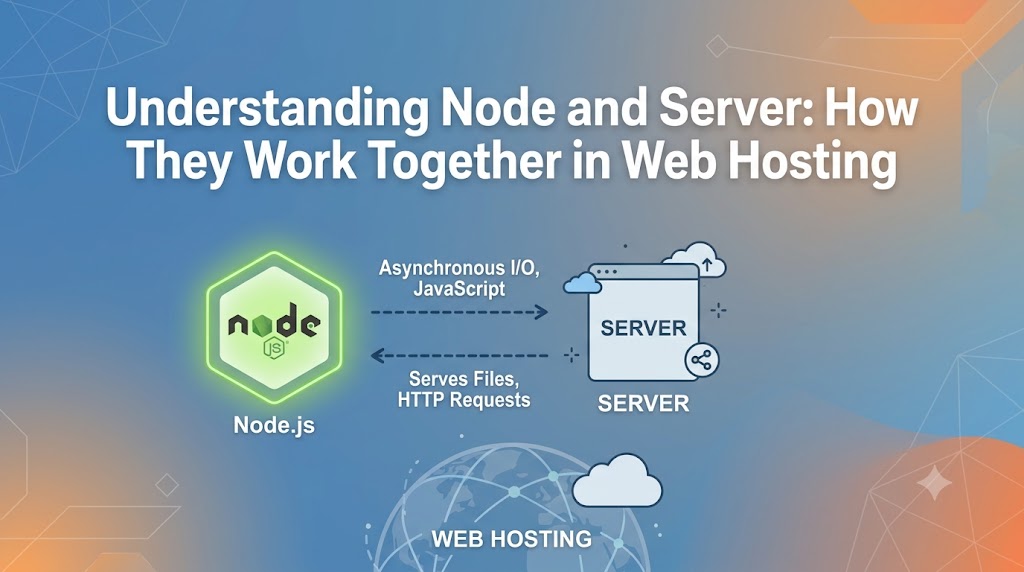
If you’ve ever seen “node” used in a hosting or cloud context and wondered whether it means the same thing as “server,” you’re not alone. Because both of these two words are used almost interchangeably, but they’re not quite the same.
A node is any device on a network capable of sending or receiving data. That device could be a computer, a printer, a router, or a server.
A server is a specific type of node, one whose job is to provide something to the rest of the network, like a webpage, an email inbox, or a database query result.
So, every server counts as a node, but plenty of nodes aren’t servers. That’s the textbook answer. In practice, though, if you’re reading about hosting or cloud infrastructure, “node” almost always means one particular thing.
Nine times out of ten, when a hosting provider or cloud platform talks about nodes, they’re referring to individual servers within a cluster. A cluster is a group of servers working together instead of relying on a single machine. This type of setup is commonly used in Cloud Hosting environments to support scalability and redundancy.
Say a host runs your website across five servers instead of one then each of those five is a node in that cluster. You’ll see the same terminology on AWS, Google Cloud, Azure, and in Kubernetes, where each machine handling a slice of the workload gets called a node.
Splitting the work across multiple nodes instead of leaning on a single server isn’t just a technical detail but it changes what happens when things go wrong:
This is basically why clustered setups tend to have better uptime than a single standalone box — there’s no one point where everything can fail at once.
Inside a cluster, different nodes often specialize:
Worth noting: a single physical server can juggle more than one of these roles and still be called “a node” — the label is about its position in the network, not what it happens to be running.
|
Term |
What It Means |
|
Node |
Any device on a network — routers and printers count too, not just servers |
|
Server |
A node whose whole purpose is providing something to others on the network |
|
Cluster |
A group of servers (nodes) sharing the workload as one system |
Bottom line: if you come across “node” in something about hosting infrastructure, it’s almost certainly shorthand for “one server in a bigger group of servers.” The old networking-class definition (any connected device) is still technically correct, it’s just rarely what people mean when the topic is hosting.
Trying to figure out whether a hosting plan runs on a cluster or a single server? Reach out to our sales team or message us on WhatsApp, and we’ll help you find a reliable web hosting solution that fits your site’s needs.

Sarang Khedkar